
This comparison focuses on Amiga gaming and demo scene use in 2026, not nostalgia alone. Our criteria prioritize timing correctness, input/output latency, video and audio fidelity, and long-term practicality — as well as overall delight and fun.
Productivity software, AmigaOS “daily driving”, and historical collecting value are intentionally out of scope.
We will cover:
- Windows / Mac / Linux PC + Emulator
- TheA500 Mini & TheA1200
- A600GS & A1200NG & A4000NG
- Vampire V4 FPGA & A6000
- Raspberry Pi 5
- Real Amiga Hardware
- MiSTer FPGA
- Detailed Comparisons
- The Best Amiga in 2026
- The Best Handheld Amiga in 2026
Windows / Mac / Linux PC + Emulator
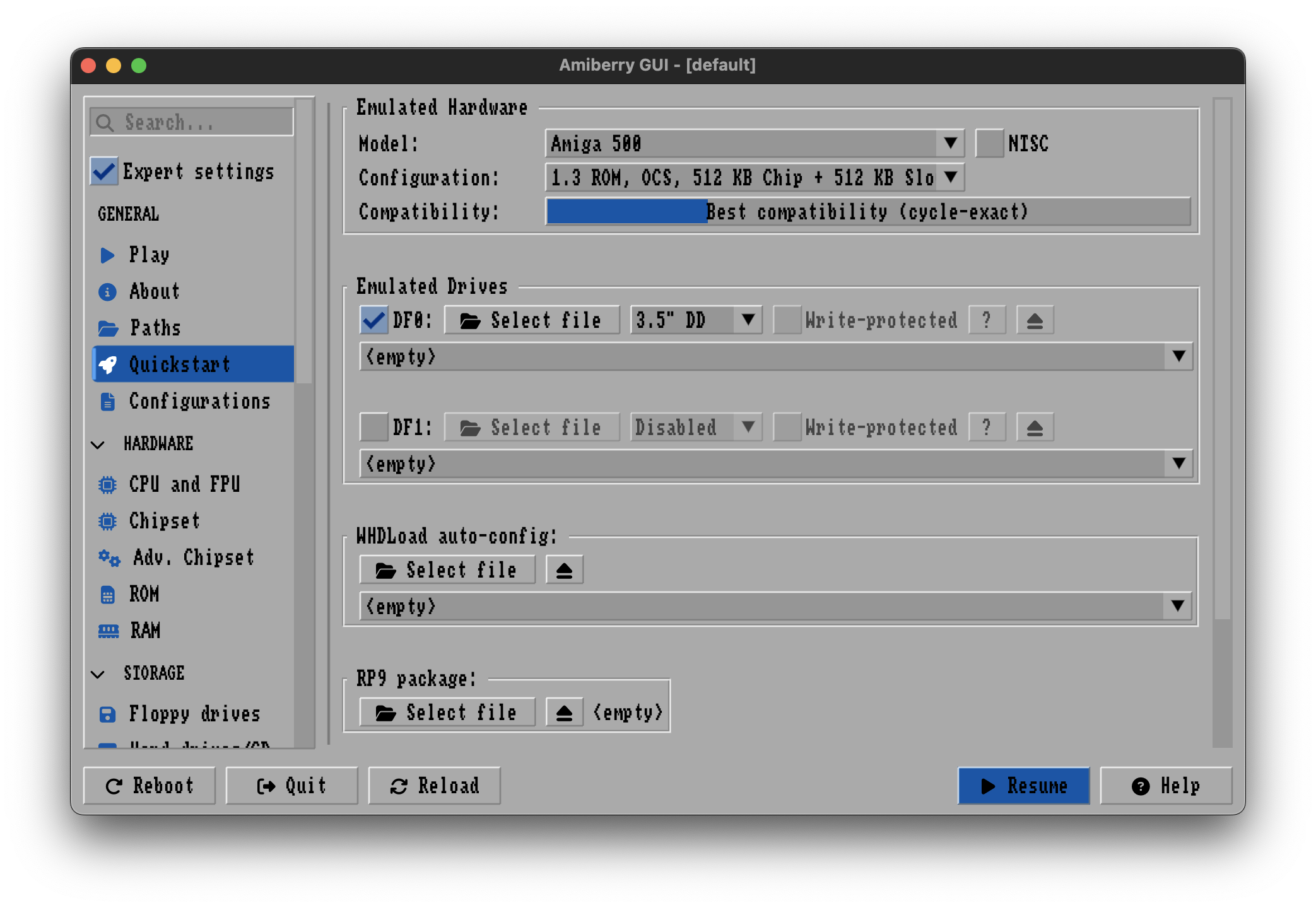
Running an Amiga emulator on a modern PC or Mac is the most accessible option on paper, but also the most variable in practice.
If you already own a suitable machine, the upfront cost can be low. If you are buying a small PC specifically for this purpose, the cost quickly approaches — or exceeds — better-performing alternatives.
The main drawbacks are complexity and consistency. Amiga emulators are powerful but notoriously difficult to configure correctly across a wide range of games and demos. Small differences in settings can have large effects on timing, audio, and compatibility.
There are also fundamental platform issues. On Windows and macOS, emulators do not automatically run 50hz PAL software at a true 50hz output rate. Since the majority of Amiga games were written for PAL systems, this results in uneven scrolling, judder, or tearing that cannot be fully eliminated in standard setups with emulators on those platforms.
Here’s a forum thread where the author of WinUAE and the author of FS-UAE both confirm that the standard PC & Mac 60hz refresh rates will cause stuttering when playing 50hz PAL Amiga games or demos.
Only emulators running under certain Linux setups can currently switch automatically to 50hz. Windows and Mac emulators run at 60hz when the OS runs at 60hz, which causes tearing and stuttering when scrolling. It is possible to force the entire operating system to run at 50hz on some Windows and Mac setups, but the emulator can’t do it for you.
The end result is that most people will run 50hz games and demos at the wrong frame rate.
Additionally, current PC emulators do not automatically scale NTSC with the correct 5:6 NTSC pixel aspect ratio, although that recently changed with Amiberry 8 onwards, which the AmigaVision team assisted with to get it right.
PC emulation can be an excellent tool for experimentation and development, but it is not the most reliable way to experience the Amiga as it actually behaved.
TheA500 Mini & TheA1200
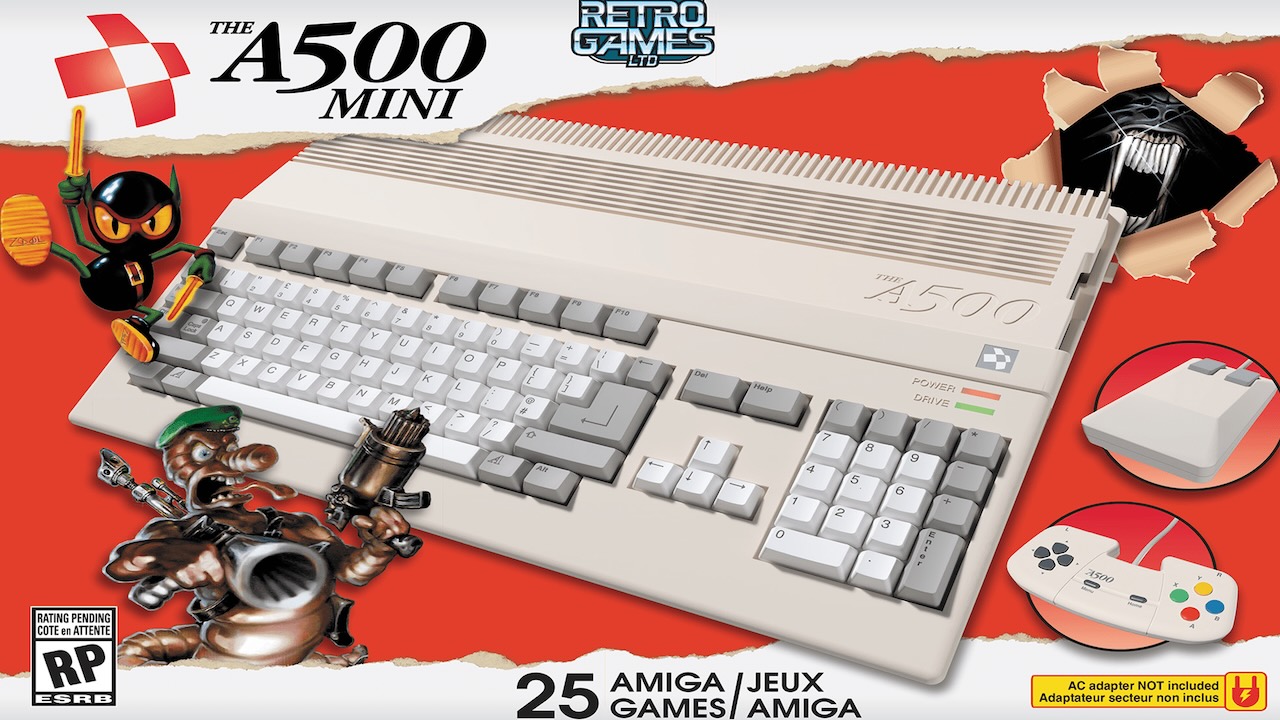
TheA500 Mini is a turn-key, no-keyboard emulation box, but it is fundamentally limited by its hardware and software design.
There are definitely aspects of it that we like, mostly because it was widely available in electronics stores around the world, reminding people of their love for the Amiga, and probably brought a fair amount of people back into the hobby.
However, it lacks the performance, timing accuracy, and output resolution1 for proper scaling required for serious Amiga use, particularly for demo scene productions and timing-sensitive games. As a result, it does not meet the accuracy, timing, and output requirements required for this comparison, and is therefore omitted from the detailed comparison table below.
At the typical asking price, both MiSTer and Raspberry Pi–based solutions outperform it decisively in accuracy, latency, and flexibility.
As for TheA1200, no meaningful technical specifications have been published at the time of writing, so it is not possible to evaluate it yet. All signs so far point to it just being the same TheA500 mini hardware (with updated software) in a full-size case with a keyboard. The company also only talks about the same 720p output resolution as TheA500, which is not sufficient for proper Amiga HDMI scaling, where 1080p is the minimum for good results.
We can’t recommend pre-ordering one based on the signs so far, unless you are using it as a physical case to put a Raspberry Pi 5 or MiSTer inside.
Both of these products are more properly thought of as a product for a toy store, something you would give to someone that hasn’t thought about an Amiga in a long time and wants to spend a short time reconnecting with it — not as a long-term setup.
A600GS & A1200NG & A4000NG
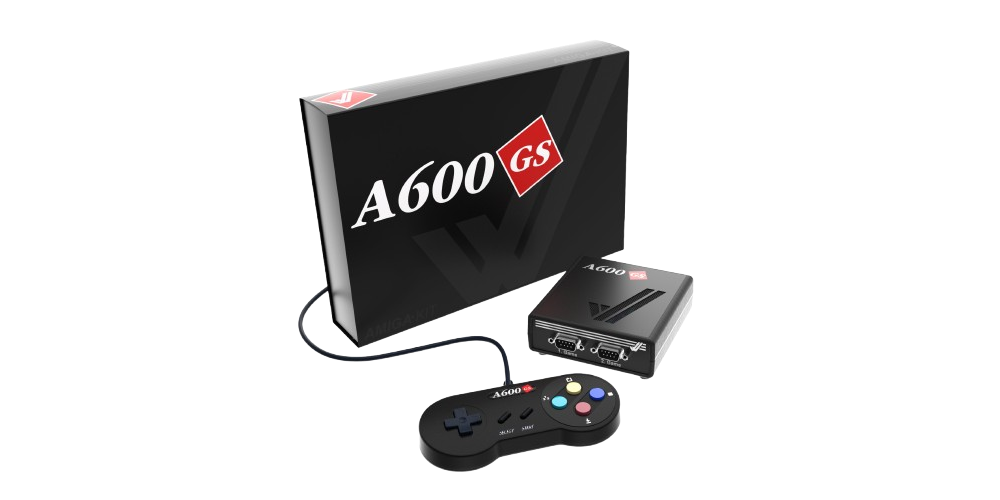
A600GS, A1200NG & A4000NG are Amiga-branded appliances built around software emulation rather than hardware recreation.
All three use UAE-derived emulation running on an underpowered ARM platform, wrapped in a custom Linux environment. While they offer a convenient turn-key experience and a nostalgic physical presentation, they do not provide cycle-accurate OCS/ECS/AGA behavior, or deterministic timing.
As with PC- and Raspberry Pi–based emulation, timing-sensitive games and a significant portion of the demo scene exhibit incorrect behavior, tearing/judder being the obvious problem — it boots in 60hz by default, but most Amiga games are 50hz, which you have to manually select. Unstable raster effects, audio jitter, and inconsistent scrolling will be the result. Input and output latency are materially higher and less consistent than on FPGA-based platforms.
A4000NG has been announced, but is also unlikely to change anything regarding this.
From a technical perspective, these systems are best understood as preconfigured emulation boxes rather than authentic Amiga implementations. They offer no meaningful accuracy or latency advantages over a well-configured Raspberry Pi 5, while costing substantially more and offering less flexibility.
Thus, they are considered irrelevant, and not included in the detailed comparison table below.
Vampire V4 FPGA & A6000
The Vampire V4 Standalone is best described as a modern, accelerated Amiga-compatible system, not a recreation of classic Amiga hardware.
It uses a custom, fictional FPGA chipset (SAGA) and a high-performance, simulated, fictional “68080” CPU. While it is extremely fast, it does not reproduce OCS/ECS/AGA behavior or cycle-exact timing. Many demos and timing-sensitive effects either behave differently or fail outright.
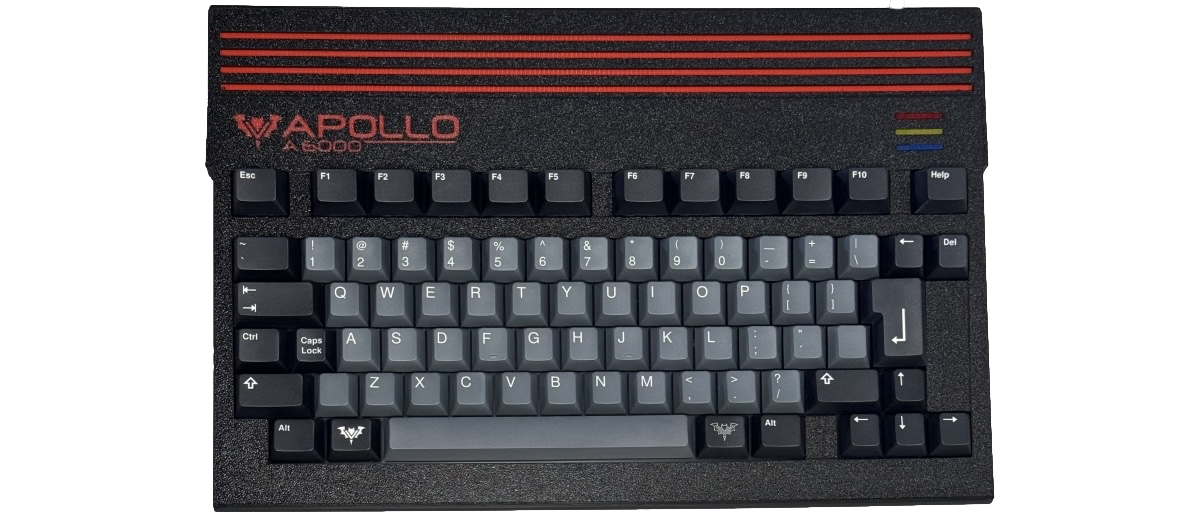
The A6000 is essentially a Vampire V4 with an updated core + extra RAM, residing in a 3D printed case with keyboard.
As a result, Vampire V4 & A6000 are better viewed as “what-if next-generation Amigas” than preservation-accurate platforms, and are thus not included in the detailed comparison table below.
They are also expensive, at ~$750 for the bare-bones V4 and ~$1200 for the A6000 — which is very expensive for a product that is not injection molded, but 3D printed instead.
Raspberry Pi 5
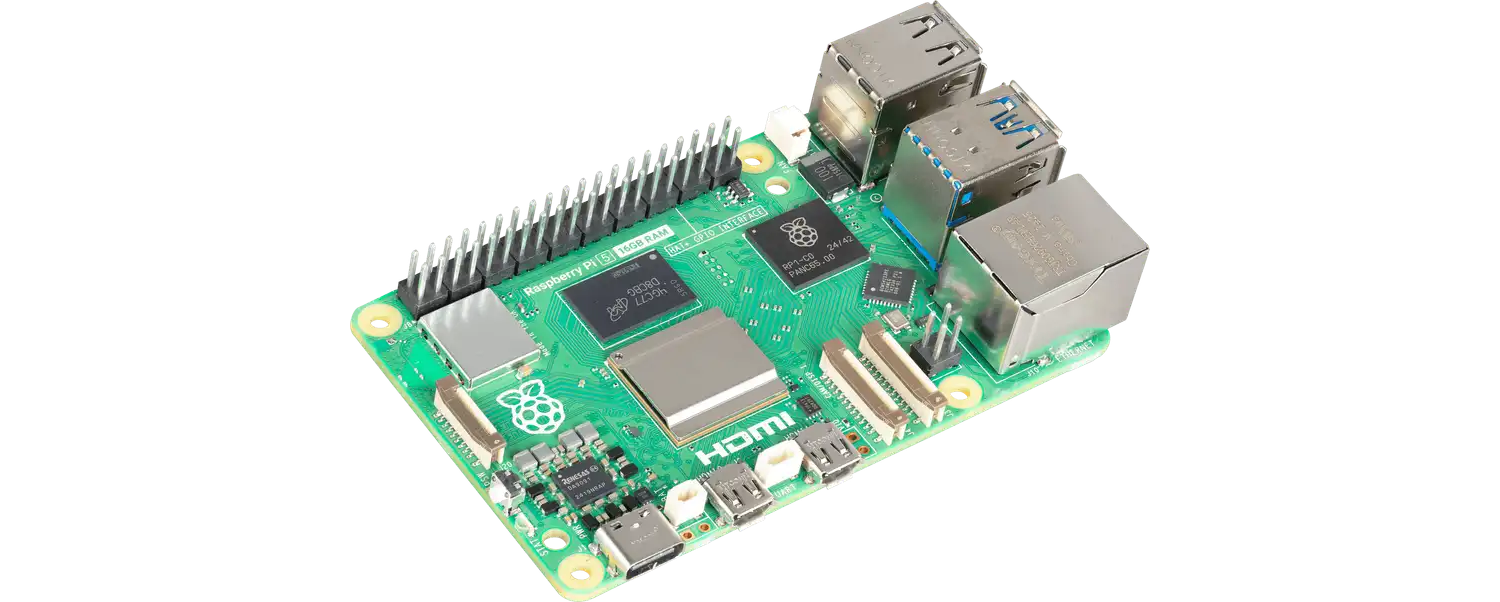
The Raspberry Pi 5 represents the first Pi model that is genuinely fast enough to emulate the Amiga at acceptable speeds. This also includes its derivatives: Raspberry Pi 500, 500+ & CM5.
Note that “fast enough” here refers to raw CPU performance, not cycle accuracy or timing fidelity.
The hardware itself is relatively affordable, but a complete setup requires additional components: a power supply, case, storage, and often a USB hub. Earlier models (Pi 3 and Pi 4) are simply too slow to provide a consistently good Amiga experience and should be avoided.
Even on the Pi 5, emulation remains a compromise. While many games run well, timing accuracy, input latency, and CRT compatibility fall short of FPGA-based solutions. For casual gaming or WHDLoad-based setups, it can be a reasonable choice, but it is not ideal for cycle-exact demos or low-latency use.
Real Amiga Hardware
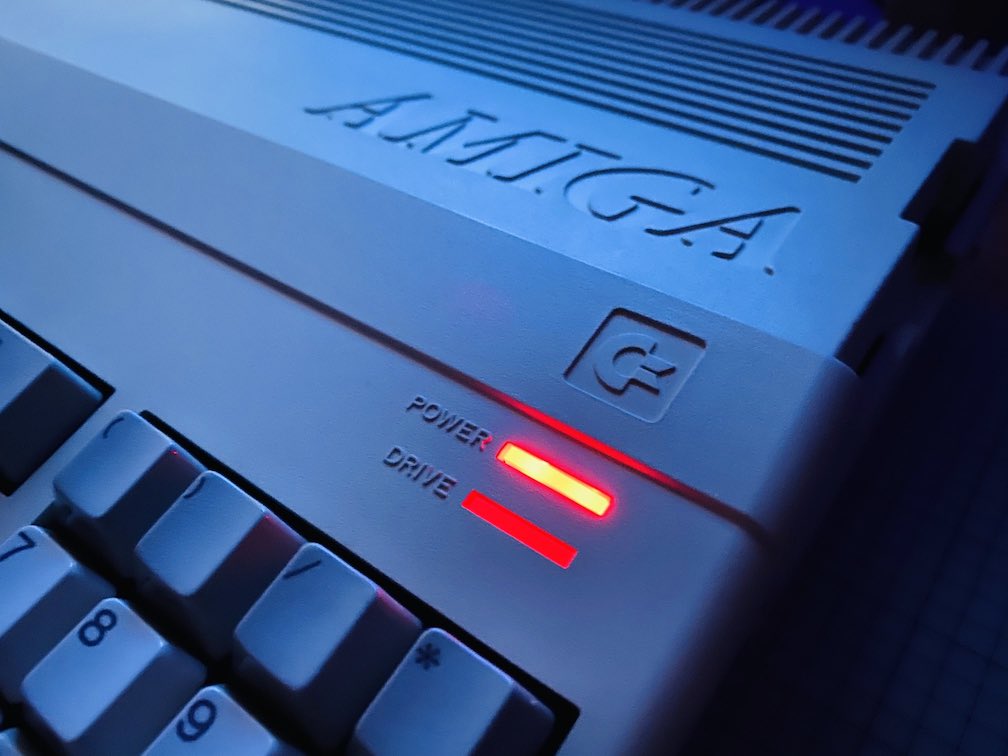
A real Amiga remains the gold standard for historical authenticity.
There is no substitute for original hardware connected to a real CRT monitor, with the original keyboard, mouse, and quirks intact. For collectors, preservationists, and those who value the physical experience as much as the software, real hardware is unmatched.
That authenticity comes at a cost. Well-maintained machines are expensive — especially the ones capable of running games and demos using the AGA chipset — and most systems require recapping and ongoing care. Meaningful upgrades like faster CPUs, more memory, and modern storage add significantly to the total price.
Connecting a real Amiga to modern displays also requires additional hardware, such as scalers or video upgrades, which further increases complexity and cost. Some people may be comfortable soldering or replacing chips on their Amiga to accomplish this — but most people will not be.
Of course, for some owners, those trade-offs are not downsides, but instead — the whole point. If you have the time and the money, why not? It can definitely be a fun and rewarding undertaking.
MiSTer FPGA
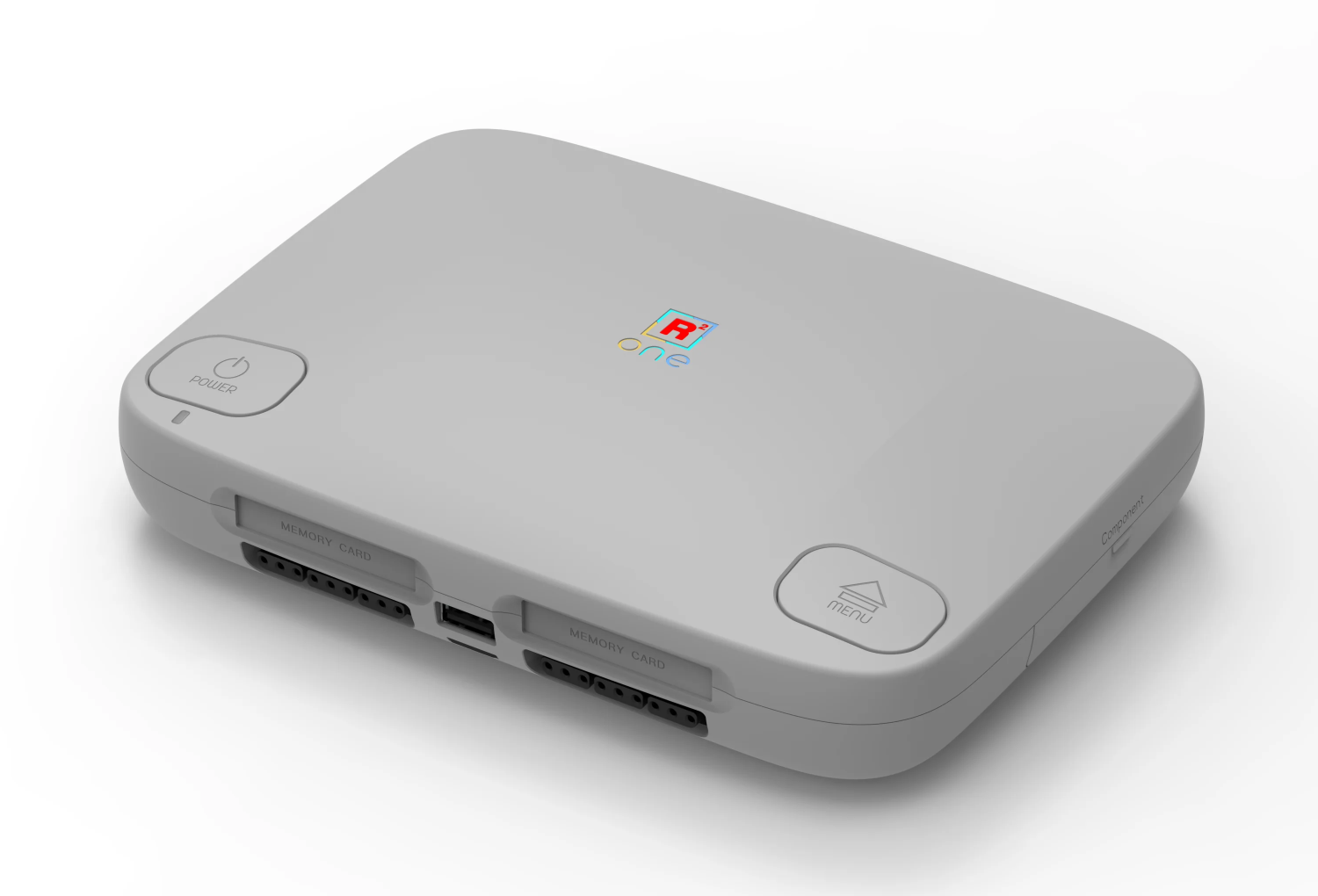
MiSTer provides a hardware-level Amiga implementation without the practical downsides of aging chips and power supplies.
It delivers cycle-accurate behavior, extremely low and consistent input/output latency, correct PAL and NTSC timing, and support for both modern HDMI displays and native analog CRT output, even simultaneously. Power usage is low, and once configured, ongoing maintenance is minimal.
Hardware options range from bare-bones boards to high-quality, purpose-built complete products like the SuperStation One, which offers build quality far beyond typical single-board computer enclosures, with every analog and digital display output option imaginable included.
Detailed Comparison
Let’s break down the details of the Amiga options available:
💰 Cost
| Real Amiga |
MiSTer | Pi 5 | PC + Emu |
|
|---|---|---|---|---|
| Purchase Price 2 | ~$1K+ 3 |
~$150-$200 4 |
~$110-$160 5 |
~$0-$250 6 |
| Initial Cost | 💰💰 💰💰 |
💰💰 |
💰💰 |
💰 💰💰 |
| Ongoing Costs | 💰 💰💰 |
💰 |
💰 |
💰💰 |
🎯 Accuracy & Timing
| Real Amiga |
MiSTer | Pi 5 | PC + Emu |
|
|---|---|---|---|---|
| Automatic PAL 50hz & NTSC 60hz Switching |
✅ | ✅ | ✅ 7 |
❌ 8 |
| Cycle Accuracy | ✅ |
🟩 🟩 🟩 |
🟨 🟨 |
🟨 🟨 9 |
| Chipset Fidelity (OCS, ECS, AGA) |
✅ |
🟩 🟩 🟩 |
🟨 🟨 10 |
🟩 🟩 🟩 |
🎧 🖥️ 🕹️ Audio, Video & Input
| Real Amiga |
MiSTer | Pi 5 | PC + Emu |
|
|---|---|---|---|---|
| Audio Accuracy | ✅ |
🟩 🟩 🟩 |
🟨 🟨 |
🟩 🟩 🟩 |
| Mouse Behavior & Accuracy | ✅ |
🟩 🟩 🟩 |
🟨 🟨 |
🟨 🟨 |
| Low Input & Output Latency | ✅ |
🟩 🟩 🟩 |
🟨 🟨 |
🟥 11 |
🛠️ Ease of Use & Maintenance
| Real Amiga |
MiSTer | Pi 5 | PC + Emu |
|
|---|---|---|---|---|
| Low Complexity | 🟥 |
🟩 🟩 🟩 |
🟩 🟩 🟩 |
🟥 |
| Low Effort | 🟥 |
🟩 🟩 🟩 |
🟩 🟩 🟩 |
🟥 |
| Low Maintenance Burden | 🟥 |
🟩 🟩 🟩 |
🟩 🟩 🟩 |
🟩 🟩 🟩 |
📺 Connectivity & Output
| Real Amiga |
MiSTer | Pi 5 | PC + Emu |
|
|---|---|---|---|---|
| Analog 15kHz CRT Output Included | ✅ | ✅ | ❌ 12 |
❌ |
| HDMI Output Included | ❌ | ✅ | ✅ | ✅ |
| USB Peripheral Support Included | ❌ | ✅ | ✅ | ✅ |
| Wi-Fi & Networking Included | ❌ | ✅ | ✅ | ✅ |
⚙️ Power, Reliability & Form Factor
| Real Amiga |
MiSTer | Pi 5 | PC + Emu |
|
|---|---|---|---|---|
| Low Power Usage | 🟥 |
🟩 🟩 🟩 |
🟩 🟩 🟩 |
🟥 |
| Hardware Reliability | 🟥 |
🟩 🟩 🟩 |
🟩 🟩 🟩 |
🟩 🟩 🟩 |
| Hardware Design | 🟩 🟩 🟩 |
🟩 🟩 🟩 |
🟨 🟨 |
🟨 🟨 |
| Physical Footprint & Portability | 🟥 |
🟩 🟩 🟩 |
🟩 🟩 🟩 |
🟩 🟩 🟩 |
❤️ Experience
| Real Amiga |
MiSTer | Pi 5 | PC + Emu |
|
|---|---|---|---|---|
| Nostalgia & Authenticity | ⭐⭐ ⭐⭐ |
⭐ ⭐⭐ |
⭐⭐ |
⭐⭐ |
The Best Amiga in 2026 is…
The AmigaVision team owns and actively uses all of the platforms compared here. We maintain multiple real Amigas, several MiSTer setups with both HDMI and analog CRT outputs, Raspberry Pi–based emulation systems, and we regularly use Amiga emulators on Windows, macOS, and Linux. We maintain the AmigaVision setup for all of these platforms.
These conclusions are based on long-term, day-to-day use rather than theory.
Nothing fully replaces the feel and emotional impact of a real Amiga connected to a CRT, and original hardware will always be special.
But in 2026, the “Best Amiga” is not just about authenticity — it is about accuracy and usability. Real hardware is expensive, complex, and increasingly fragile, which makes it difficult to recommend for most people.
For the majority of users, MiSTer offers the best balance: Behavior that matches real hardware where it matters, combined with modern convenience, reliability, and low maintenance, without the trade-offs of emulation, at a reasonable price.
If you want the most accurate, low-latency, low-maintenance, delightful and fun Amiga experience in 2026, MiSTer is the best choice for most users.
What’s the Best MiSTer in 2026?
The MiSTer FPGA platform is an open source project, therefore many hardware options exist. We often get the question of which MiSTer setup to get.
The AmigaVision team recommends the SuperStation One — $199 + shipping/tax.
Disclaimer: We are not associated with SuperStation One or Retro Remake in any way, and these are not affiliate links — we simply believe this is the best MiSTer FPGA platform available right now.
Unlike traditional MiSTer setups, SuperStation One comes as a complete, assembled console with built-in ports and a polished injection molded (not 3D-printed) enclosure — making it much more accessible to non-DIY users while delivering MiSTer accuracy out of the box, at a reasonable price.
It supports multiple video outputs (HDMI, VGA, composite, component, DIN10) that make it ideal for both modern displays and CRT setups — something we highly value for the best in analog output to period-accurate CRT monitors and TVs.
It also has Bluetooth, Wi-Fi & NFC support built-in, offering maximum controller, networking and physical game launcher support without having to add additional USB adapters. It comes with a pre-configured 64GB SD card included, giving you everything needed to just plug it in and turn it on, and get started on your Amiga — and AmigaVision — setup.
Best Handheld Amiga in 2026
Do you want to take your AmigaVision setup on the road — or maybe just relax and play some games and demoscene productions while in the couch or on the patio with a cold beverage on a summer day?
You may want to add a handheld device to your Amiga setup. But with so many handheld devices available, what are the best options?
Screen Aspect Ratios
You’d expect that the best aspect ratio for a handheld Amiga would be 4:3, since that’s what the original Amiga was, right? This, counterintuitively, is not the case. Most Amiga games run at a 320×200 resolution (this excludes a few later-era PAL games that used 320×256), which means that the effective screen aspect ratio of the Amiga is actually 16:10, as demonstrated and explained in our article about Amiga Overscaling.
Since handheld screens are very small, it’s especially important to maximize the usable pixels on those displays. You will want either a 16:10 or 16:9 display on your handheld if you want to play Amiga games. Additionally, you’ll want a resolution that divides cleanly into 200px increments, so a 1080p or 800p display is optimal here — 1200p and 1440p would work too, but they are not common. Avoid 720p displays, they are optimally bad for Amiga scaling.
Handheld Amiga Picks
With the above in mind, what are your best options for a handheld Amiga? We prioritize:
- Optimal screen aspect ratio for Amiga (16:10 or 16:9)
- Low latency joystick/gamepad input
- Color quality and low screen output latency
- Motion clarity
- Reasonably priced
We would love to recommend an FPGA-based handheld for Amiga on-the-go, but currently there are no great options — the only one for sale right now is the Analogue Pocket, and the screen is very small for Amiga gaming, and it’s not a particularly comfortable form factor — although the Amiga core on it is great overall.
We are still waiting to see what both the SuperStation and MultiSystem teams will deliver on this front, but for now an emulation device will be your best bet. We will definitely update this article when either of those appear.
Disclosure: None of the below links are affiliate links, we just think they are good products.
Our Pick: Retroid Pocket 6 or Retroid Flip 2
The Retroid Pocket 6 is a horizontal handheld that has a 16:9, 1080p OLED screen running at 120hz refresh rate. This means it is especially good for scaling Amiga games and 16:9 demoscene productions — of which there are quite a few!
The Retroid Pocket 6 retails for about $220 for the SnapDragon variant — the one to get.
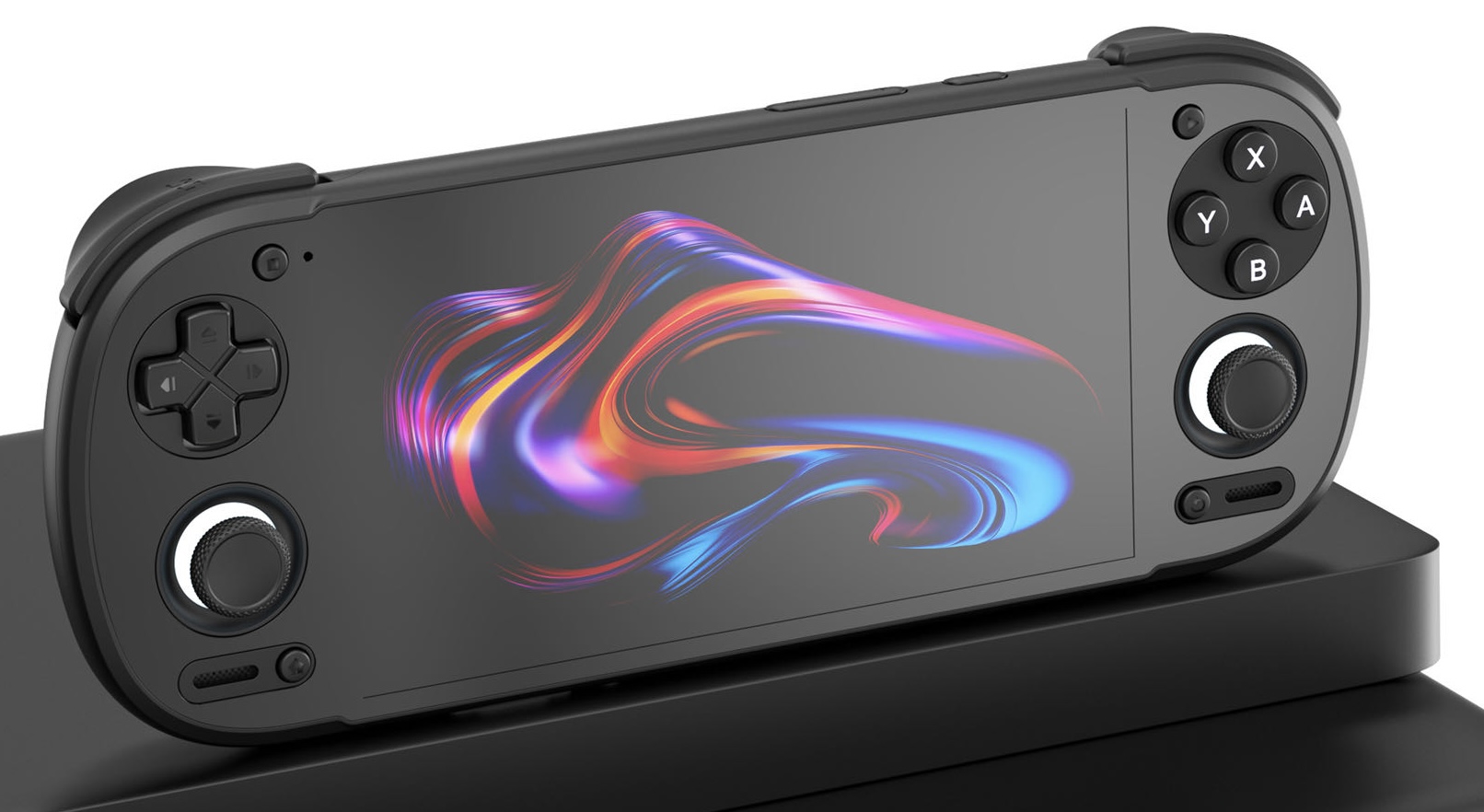
Additionally, the Retroid 6 added a 120hz OLED screen over the 60hz OLED screens found on the Pocket 5 and Flip 2, allowing you to use BFI and CRT beam shaders to improve motion clarity and reduce input & output latency.
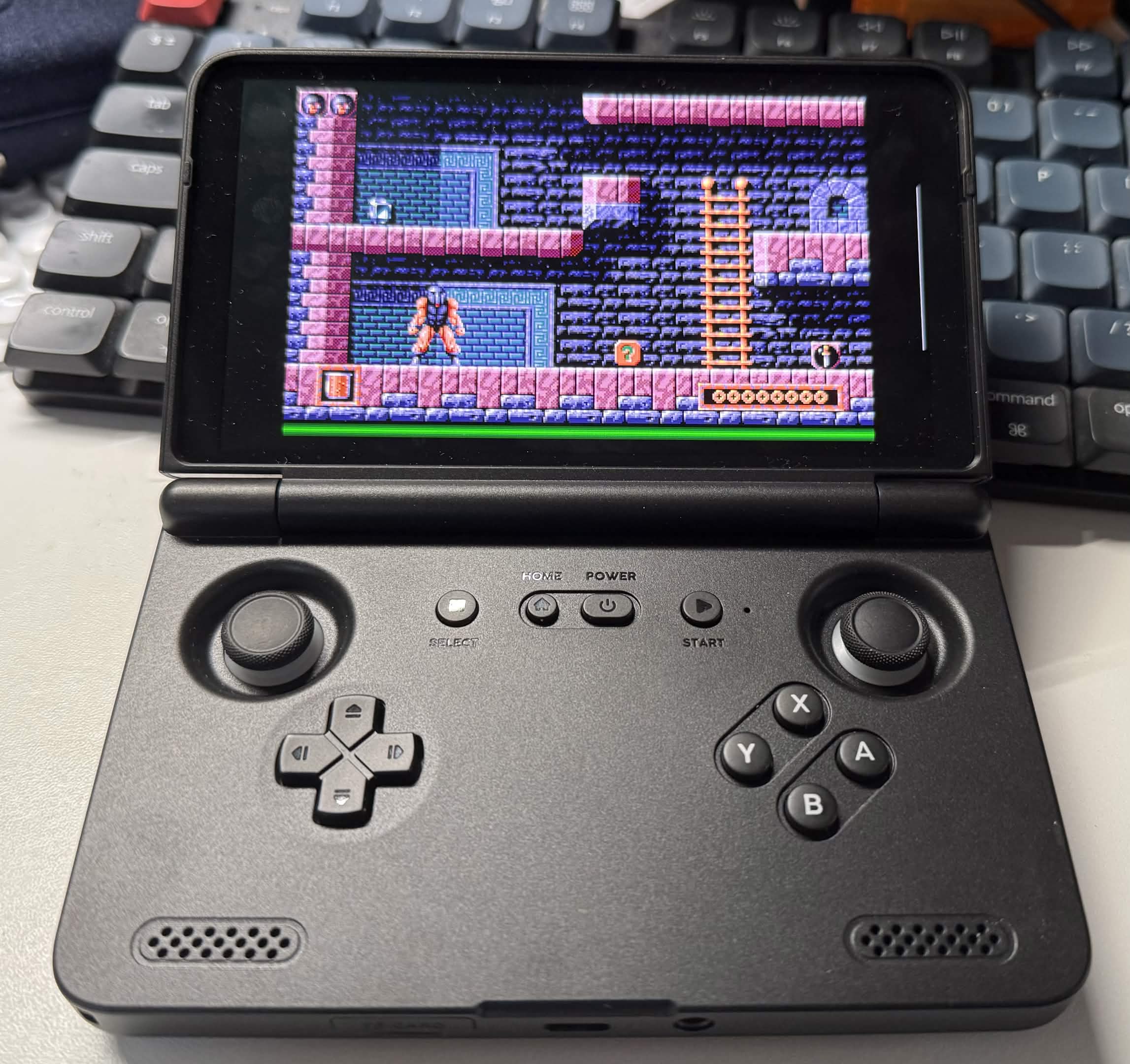
Here’s AmigaVision running Amiberry on the Retroid Pocket Flip 2, which has the same screen as the Retroid Pocket 6, although running at 60hz instead of 120hz:
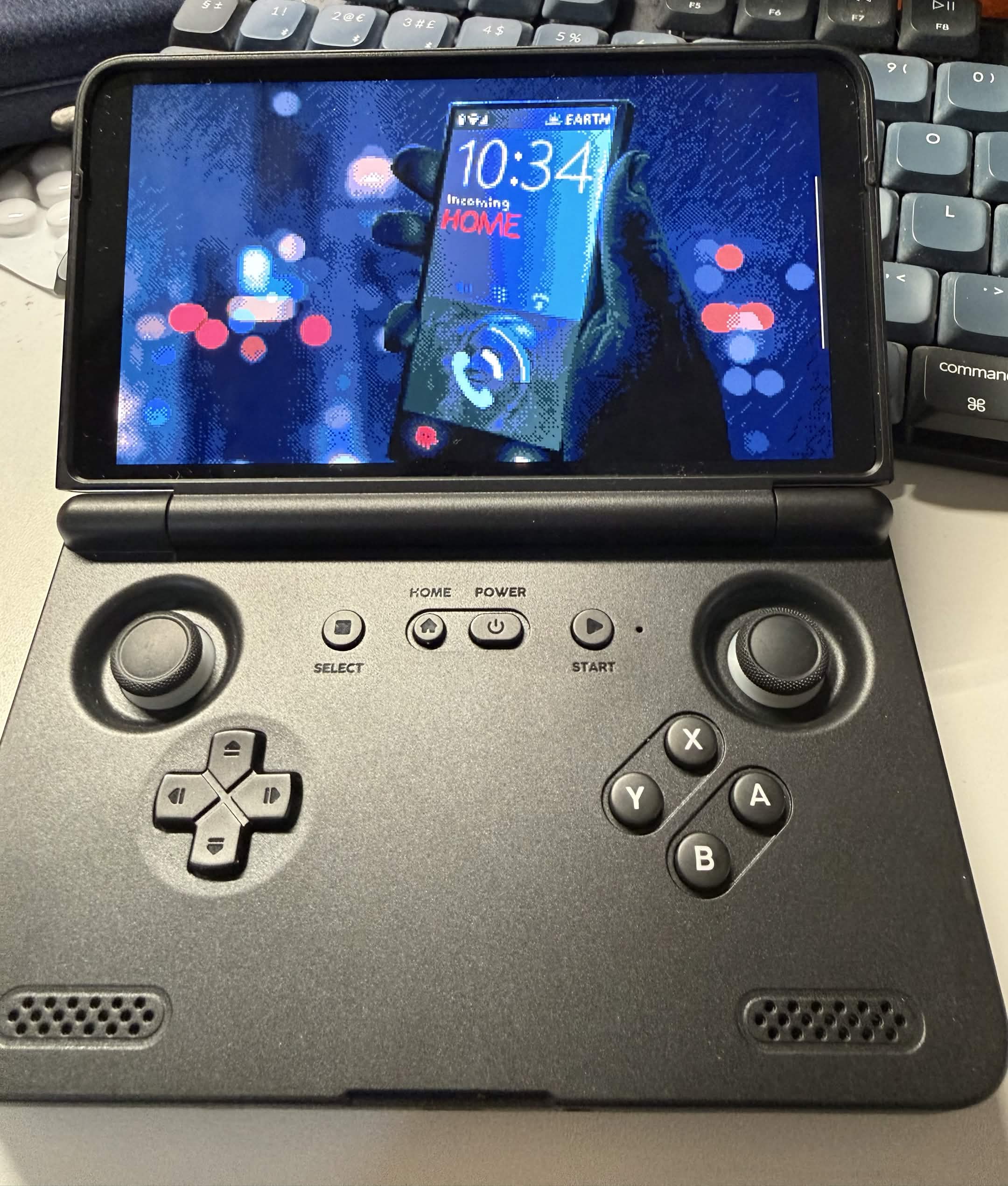
Here’s a 16:9 demo showing AmigaVision’s edge-to-edge integer scaling on the Retroid Pocket Flip 2:
Note: If you can find the Retroid Pocket 5 at a cheaper price than the 6, it is also an excellent option, the main thing you will give up on is the 120hz screen, as it is a 60hz display like the Retroid Pocket Flip 2.
The other thing to consider for us old Amiga gamers is that you may want to use the right stick for directional control and the left trigger button for fire button — in which case the Retroid Pocket Flip 2 has a better layout than the Pocket 6.
Alternative Pick: Steam Deck
The Steam Deck isn’t want we’d call pocketable, but it has a large 16:10, 800p screen that is optimal for Amiga scaling, as well as some trackpad controls that are great to use in a pinch as an Amiga mouse.
It also supports native 50hz PAL which means it will not stutter in Amiga games, unlike handhelds that only a support 60hz refresh rate.
It is a lot more expensive, bigger, and heavier than the Retroid Pocket, but if this size device is more in line with what you want, it is certainly a great device — and screen! — for Amiga emulation.
The Steam Deck currently retails for about $900(!) for the OLED variant.
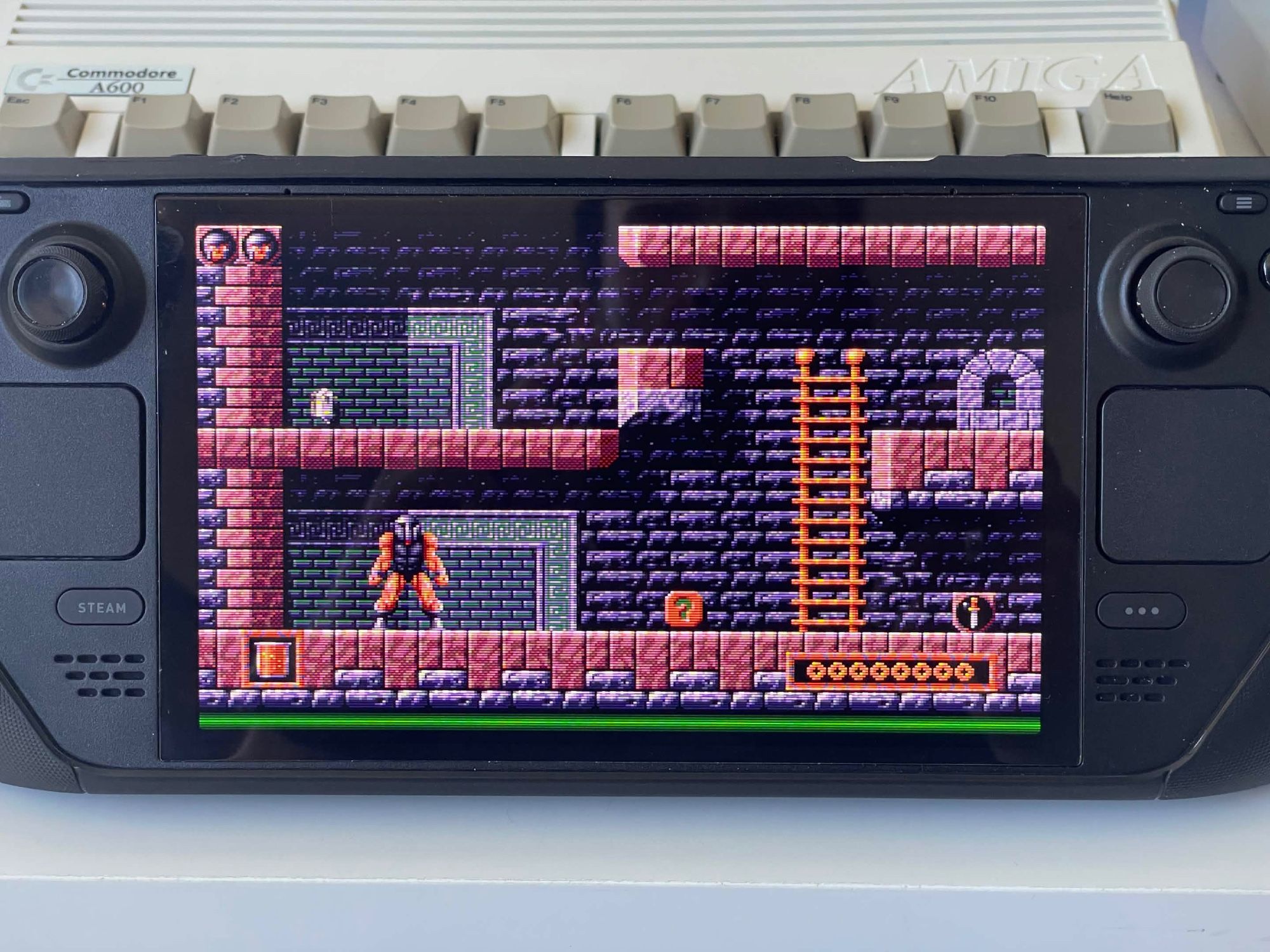
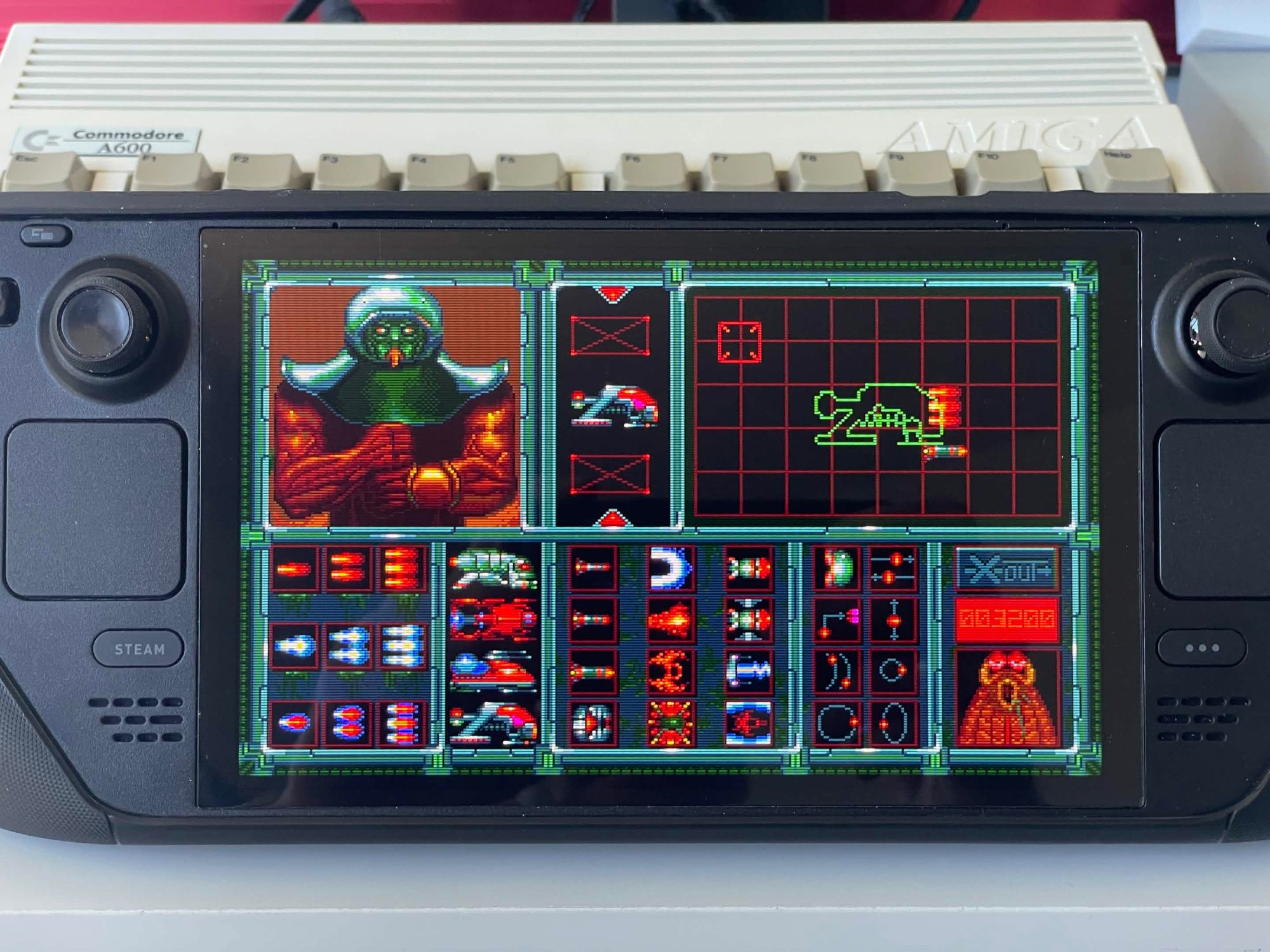
Here’s AmigaVision running on the Steam Deck with that edge-to-edge integer scaling:
-
1080p is the minimum resolution required for decent integer scaling of Amiga resolutions when the target is a modern 16:9 aspect ratio screen. TheA500 only supports 720p. ↩
-
We want an Amiga that can run every Amiga game, which means it needs to have the AGA chipset. Furthermore, we do not want any soldering or hardware surgery to be required, as this is beyond what most people are willing to do. ↩
-
A recapped (mandatory!) Amiga 1200 is ~$750 on US & UK eBay. Adding a faster CPU + RAM + HD runs you ~$320 (TerribleFire 1230 50MHz 64MB with IDE). It also needs a scaler or hardware upgrade to connect to HDMI, a good one is at least $100-150 — omitted from comparison. ↩
-
MiSTer Pi board is $125 including case and 64GB SD card. SuperStation is $199 including 64GB SD card and a high-quality injection-molded case, much higher quality than the average affordable Raspberry Pi case. ↩
-
Raspberry Pi 5 is ~$45-$95 (1GB vs. 8GB), PSU is ~$15, case is $25, USB hub is $10, 64GB card is ~$20. ↩
-
“Free” only if you plan on using your existing computer for emulation. A reasonably performant dedicated mini-PC for gaming in the living room is ~$250. ↩
-
This assumes the RePlayOS-based AmigaVision setup. Not every Raspberry Pi Amiga setup will handle this correctly. ↩
-
Only emulators running under Linux can switch automatically to 50hz. Windows and Mac emulators run at 60hz when the OS runs at 60hz, which causes tearing and stuttering when scrolling. It is possible to force the entire operating system to run at 50hz on some Windows and Mac setups, but the emulator can’t do it for you. The end result is that most people will run 50hz games at the wrong frame rate. ↩
-
While emulators like WinUAE may be cycle accurate on paper, that doesn’t help when the host OS can interrupt the process at any time. ↩
-
This currently assumes the PUAE emulator, which is the standard in most Raspberry Pi setups. It lags behind the accuracy in emulators like WinUAE and Amiberry, but once Amiberry becomes available as a libretro core, this rating will be updated. ↩
-
Modern desktop operating systems have too many variables to keep input and output latency low, e.g. host OS interruptions, USB latency and polling speed, graphics rendering pipelines, network updates etc. ↩
-
If you add the $50 RGB-Pi 2 Adapter, it is possible, but it is not supported natively on the standard hardware setup, unlike a real Amiga or the MiSTer. ↩